Build courses with AI. Without starting from scratch.
Professionally built course templates designed to be edited with AI. Start with a real, working course — then tell ChatGPT, Claude, or your favorite AI tool what you want to change.
- Download a package — unzip it and open the folder
- Show AGENTS.md to your AI — attach it to ChatGPT, Claude, or Gemini
- Say what you want changed — your AI does it. No coding needed.
Every one of them runs right here, in your browser, with no signup. Scroll down and press play on any of them.
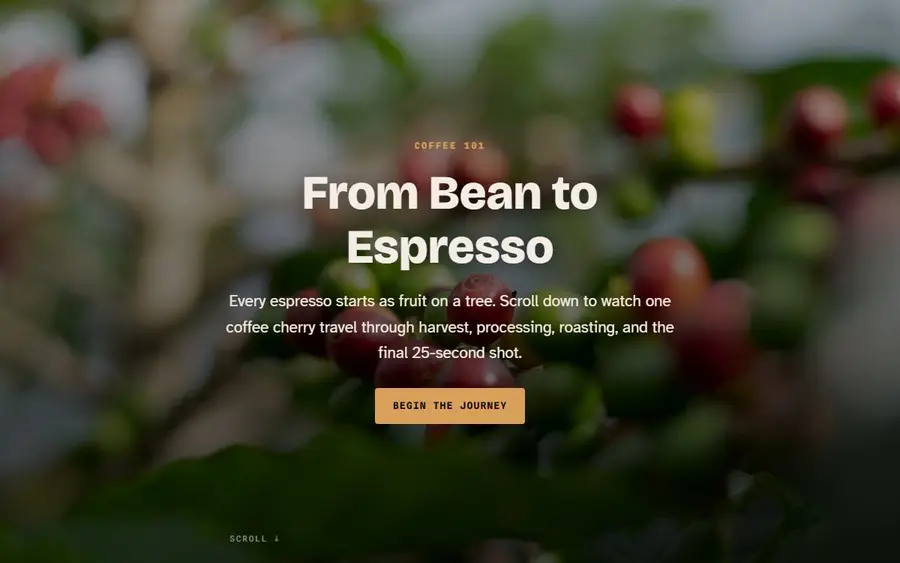
Scrollytelling lesson
Scroll-driven narrative with pinned media
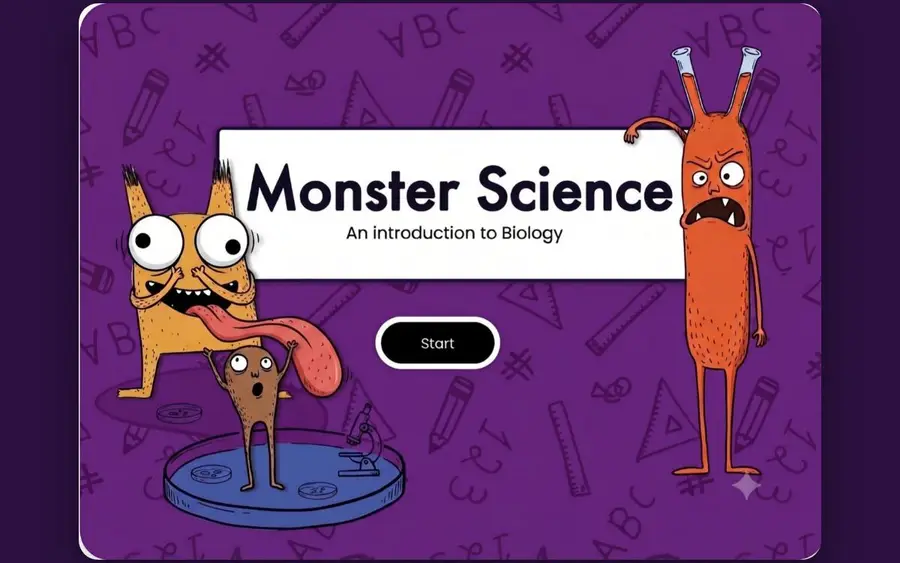
Illustrated Slide Course
Character-led illustrated slides for younger learners
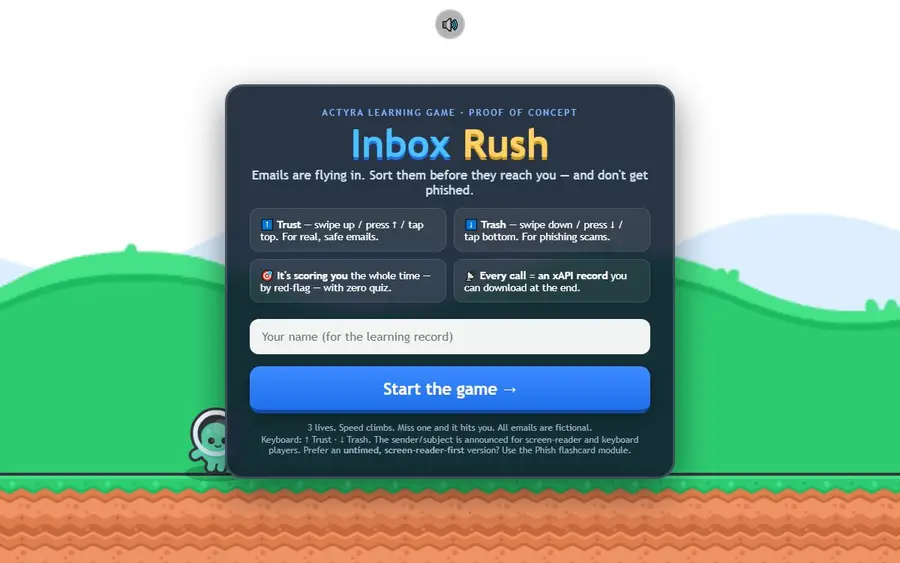
Inbox Rush
Triage under time pressure
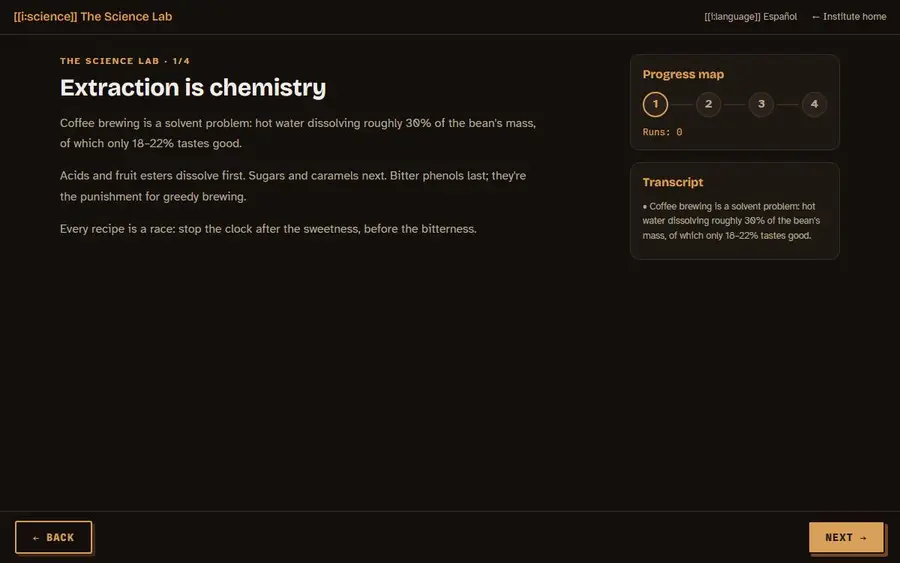
The Science Lab
A lab where results, not clicks, open the next step
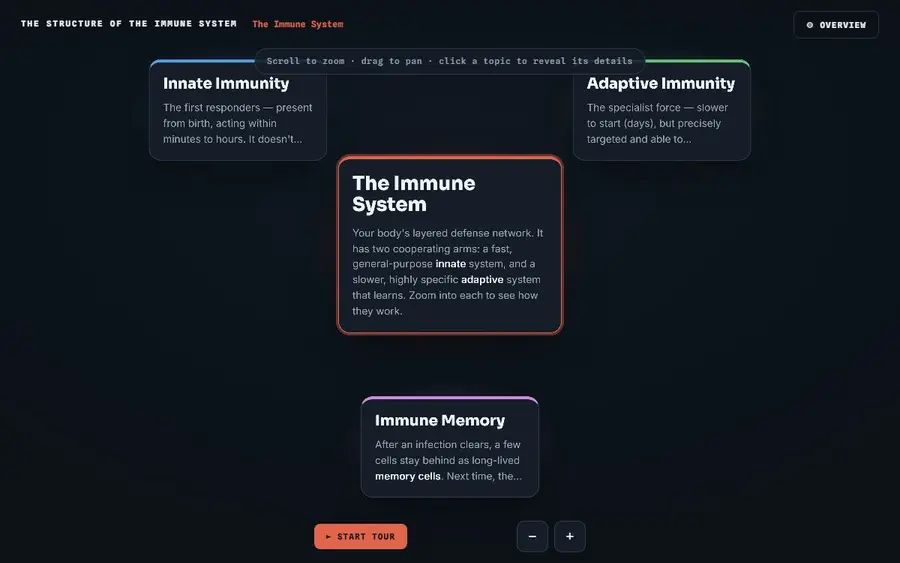
Semantic-Zoom Canvas
One canvas; detail appears as you zoom in

The Institute Framework (SL2)
A complete course engine you own
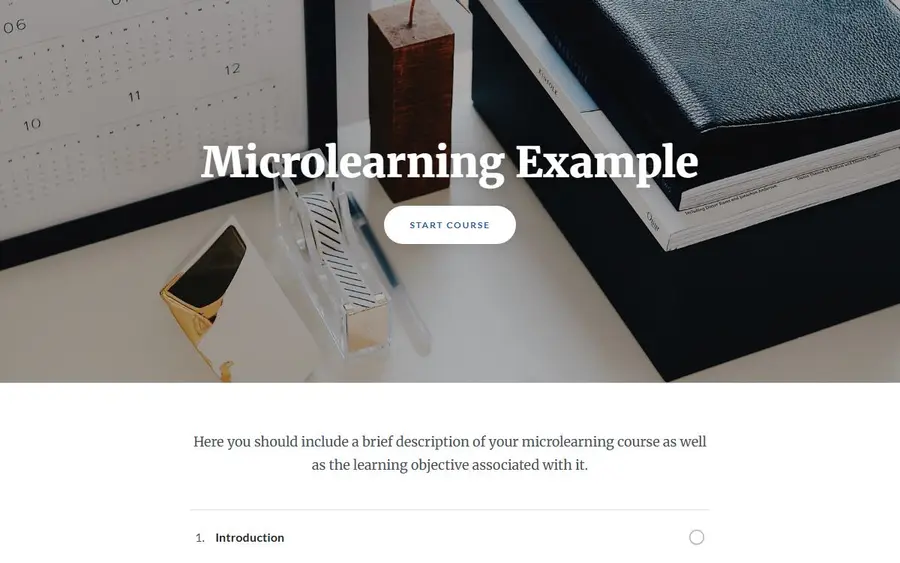
Microlearning module
A short, image-led lesson that finishes in five minutes
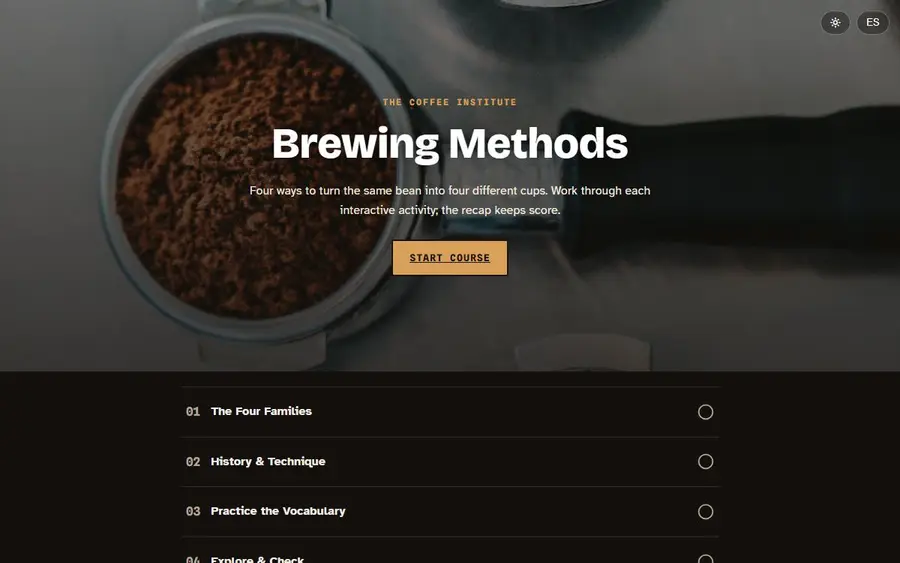
Block Course (Rise-style)
The scrolling block course, as code you own
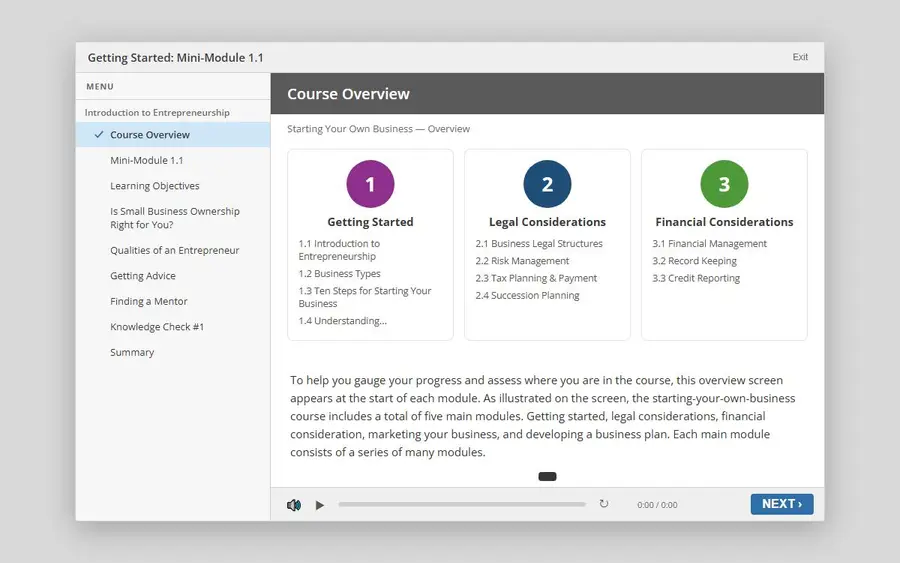
Slide Player
The Storyline player, rebuilt as code you own
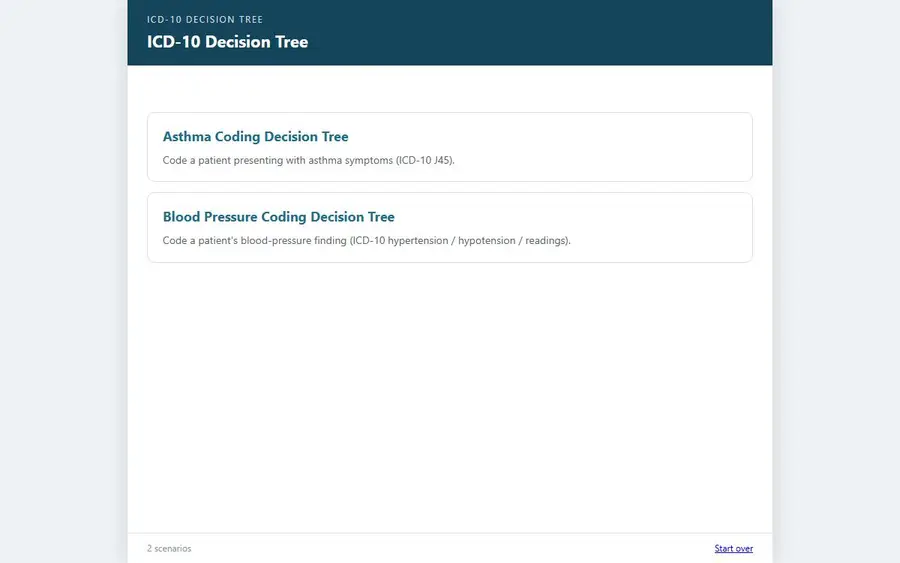
Decision Tree
Branching where reaching the right answer is the point
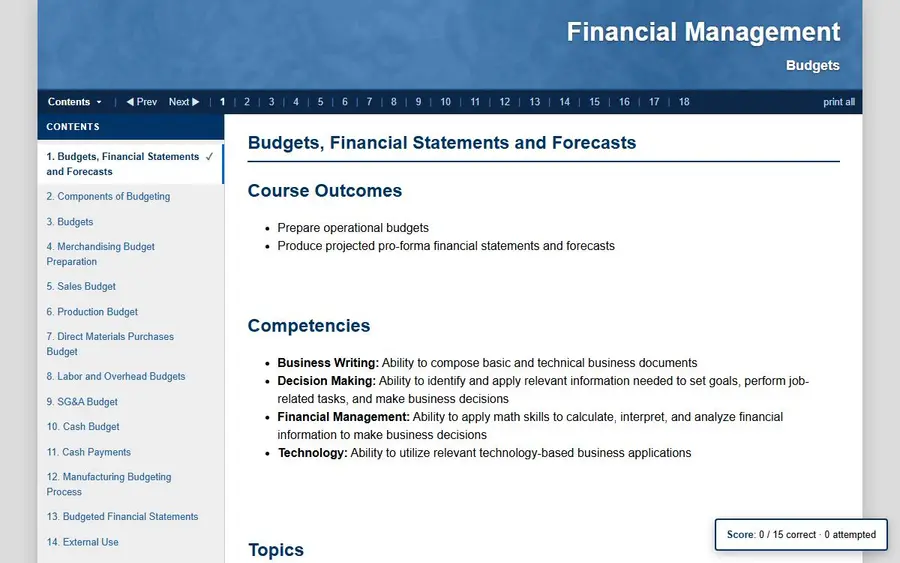
Paginated Reader
A book-like course with pages, glossary and checks
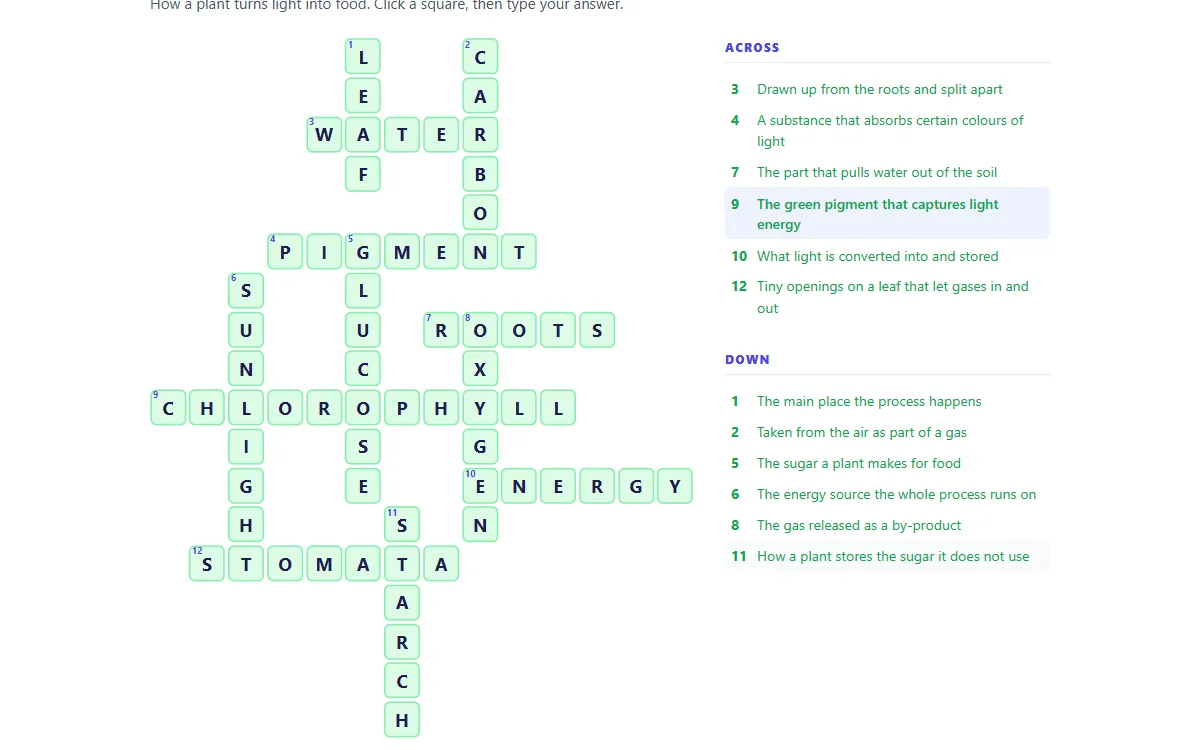
Crossword
Describe a topic to your AI, paste one block, get a puzzle
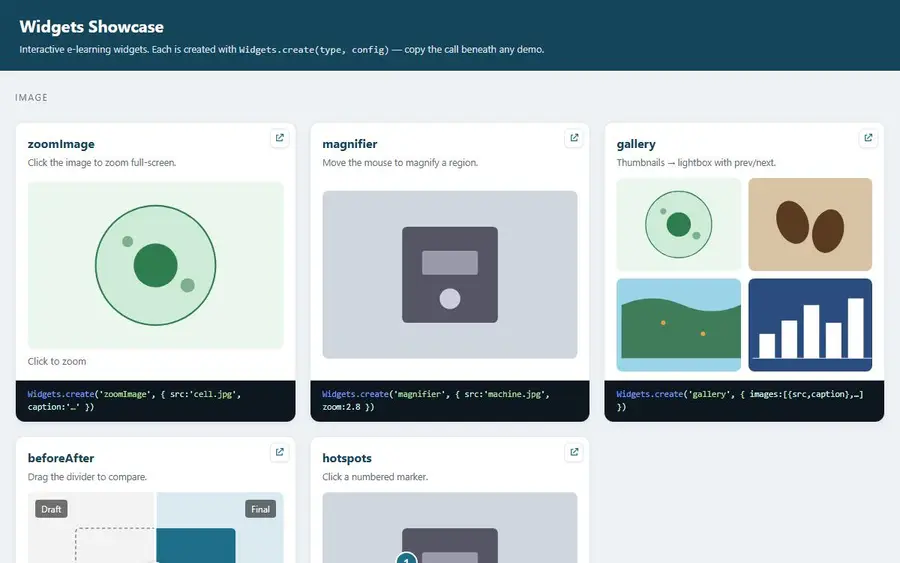
Widgets library
Zoom, hotspots, tabs, accordions, sliders and more
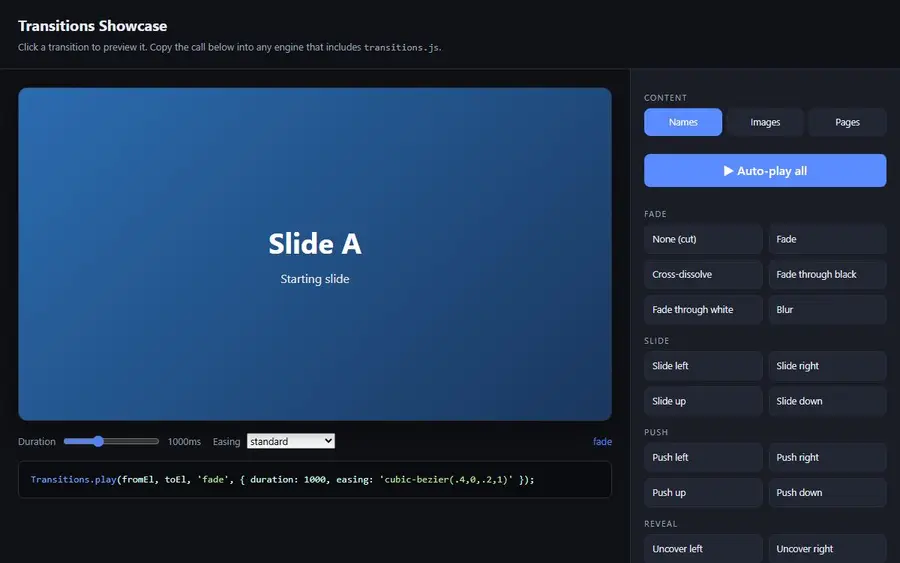
Transitions library
Shader, luma and morph transitions between any two elements
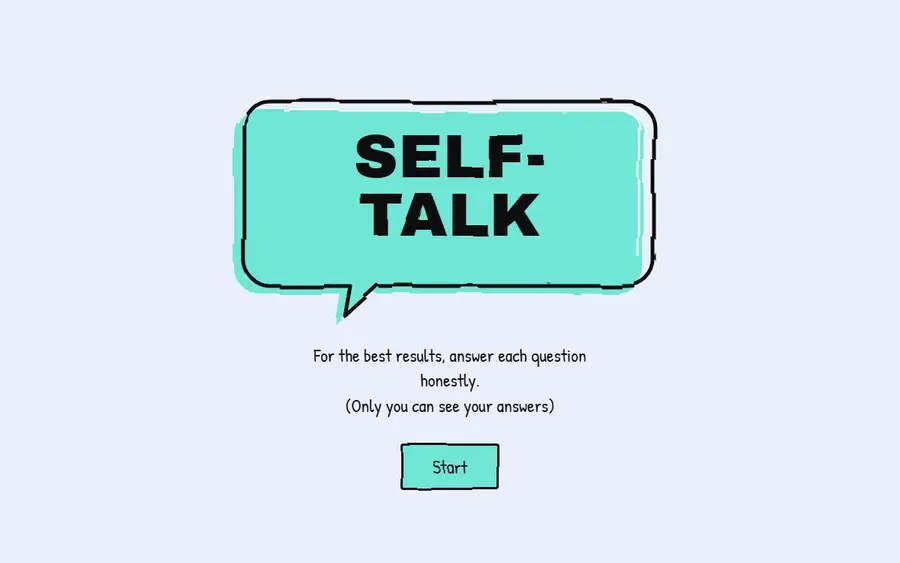
Self-Talk reflection
A private reflection that nothing records
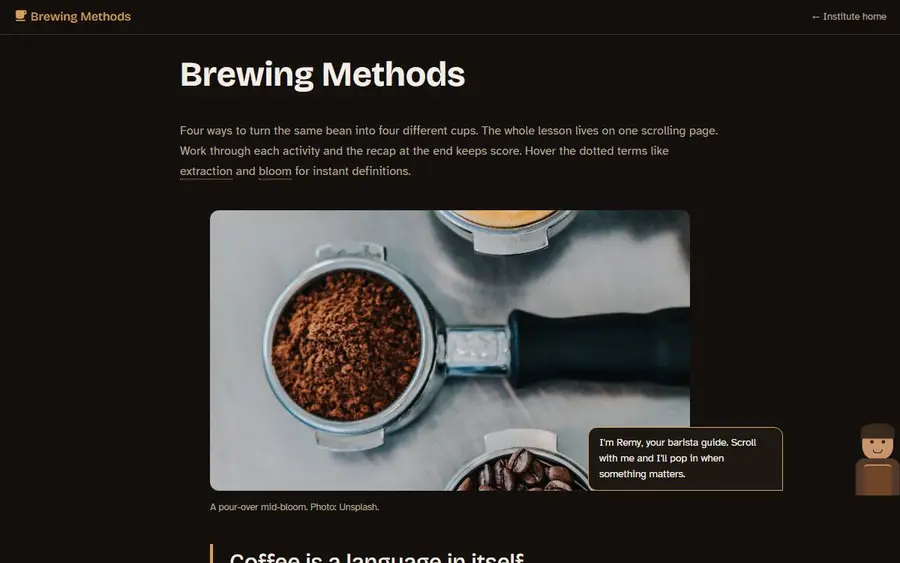
Brewing Methods
A scrolling course, in English and Spanish
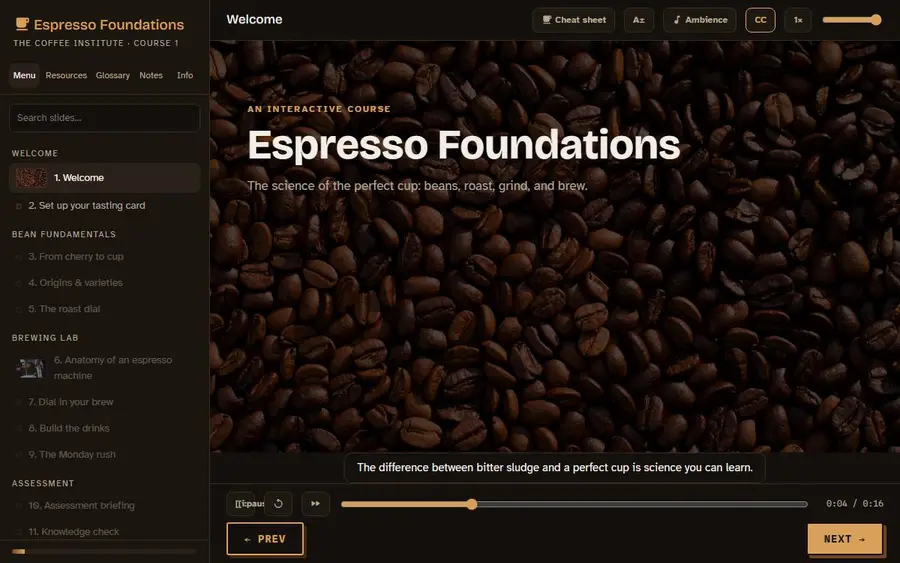
Espresso Foundations
A slide course with triggers, timelines and quizzes
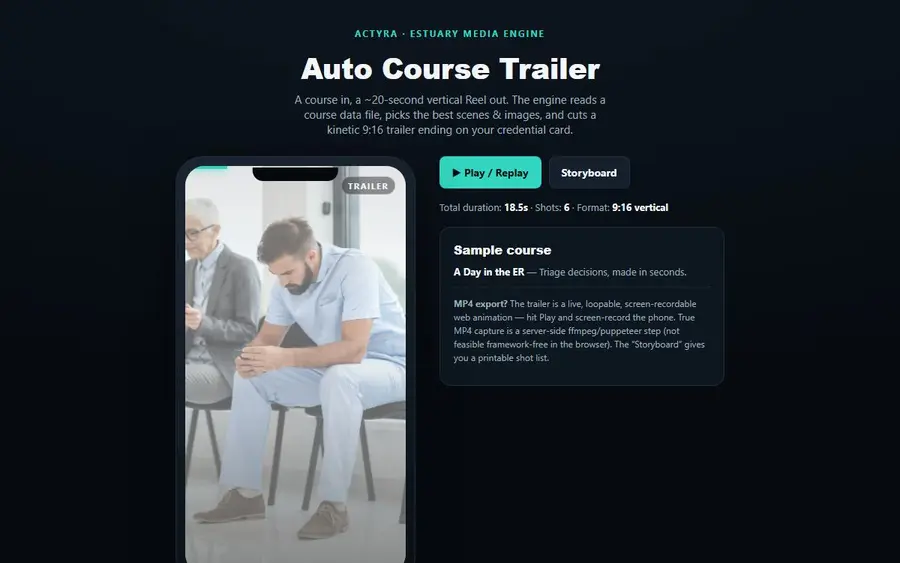
Auto Course Trailer
A 20-second vertical trailer from your course data
Start with something that already works.
Pick a course, simulation, game, interaction or activity from the library. Download it and give the included instructions to your AI. Then just describe what you want.
“Turn this into cybersecurity training for new employees.”
“Use our brand colors and make this feel less corporate.”
“Add a branching scenario here.”
“I want learners to practice this instead of just reading about it.”
The template gives your AI the structure to work from. You provide the ideas and make the design decisions.
Your creativity shouldn’t stop where your authoring tool does.
Traditional authoring tools make course development easier — and they also define what you can build. Want something outside the built-in blocks, interactions or player? That is usually where it gets difficult.
Here the course itself is editable. AI can change the experience instead of making you choose from a fixed menu of features. So instead of asking “can my authoring tool do this?” you can start asking “what do I want this learning experience to be?”
Keep the tools you already have. Most people keep what works and use these for the courses — or the parts of a course — their tool cannot build. Nothing here asks you to move anything.
We built the hard parts. You make it yours.
The templates already handle the things you should not have to rebuild every time, so your AI can spend its attention on your course instead of reinventing the course technology underneath it.
The structure
Navigation, screens, progress, responsive behavior and the player around it all. It works on a phone before you touch it.
The interactions
Practice, branching, drag and drop, simulations, games and knowledge checks — written and working, not described in a feature list.
The LMS plumbing
Completion, scoring and packaging. SCORM 1.2, SCORM 2004, cmi5 and xAPI are handled, so you never have to learn them.
The ownership
Plain HTML and JavaScript copied into your project. Nothing hidden, nothing phoning home, and no charge per learner however many people take it.
- Pick a template
- Tell AI what you want
- Make it yours
- Publish it
Who this is for
You do not have to write code. If you use Claude Code or Cursor, they edit these for you. If you do not, the files are plain enough to change by hand or hand to someone who can.
What this is not: it is not a place to host or sell courses, and it is not a replacement for your LMS. You build with these and put the result wherever your courses already live.
Everything is free right now.
We are in early access. All 18 packages are free to download and use, including in work you are paid for. There is nothing to buy and no card to enter — we ask for an email address the first time you download, and that is the whole price.
What free means here
Every package, not a sample of them. 18 run in your browser with no signup at all, so you can look before you hand over anything.
What happens later
We will introduce paid tiers once this has settled. We would rather tell you that now than surprise you with it.
Why we ask for an email
So we can tell you when something you downloaded gets fixed or updated, and warn you before pricing changes. Once per browser, not once per download. You can untick the newsletter and still get the file.
What you keep
Anything you download stays yours under the license it shipped with. The code is already copied into your project — a price change later cannot reach back into work you have already built.
Still no charge per learner
That part is not an early-access promotion. There is no seat count and no credit meter, and we never see your learners.
The honest questions
“Isn’t this just going to be AI slop?”
This is the reason the templates exist. Most of what gets called slop is a 90 percent draft that somebody shipped without doing the last 10 percent — and asking AI to invent a whole course from nothing is how you get a 90 percent draft. Starting from something that already works moves the machine off the structure and onto your content, which is where you can actually judge it. The last 10 percent is still yours: the generic example that needs to be specific, the tone that is off, the logic that breaks for the one learner who matters most. That is the job.
“I’m not a developer.”
You do not have to write code. You describe what you want in plain words and your AI makes the change. If you use Claude Code or Cursor it does this directly in the folder; with ChatGPT or Gemini you paste the file back. The files are plain HTML and JavaScript, so you can also edit them by hand or hand them to someone who can.
“How much can I actually change?”
All of it. Content, layout, colors, images, the interactions, the order things happen in, whether something is a quiz or a scenario. There is no locked project file and no fixed menu of blocks — it is your copy of the code from the moment you download it, so the limit is what you can describe rather than what a tool supports.
“Will it actually pass SCORM and load in my LMS?”
That part is already built. Every package is written against the SCORM, cmi5 and xAPI specs and reports completion and score without you configuring anything. The honest caveat is that learning management systems vary in ways nobody can fully test for, and we have not tested every one. So do not take our word for it: everything is free, so download one, put it in your LMS, and watch what it reports before you trust anyone here, including us.
“Who owns the output and my content?”
You do. The code is copied into your project and it is yours. Your content is never used to train anything.
“Another subscription?”
There is nothing to subscribe to. Everything is free during early access, and there is no card to enter. Paid tiers come later, and we will say so before they do — but there will never be a charge per learner or a credit meter.
“Can I use this without an LMS?”
Yes. Every package is plain HTML and JavaScript, so it runs on any web host, behind any login, or from a folder. The LMS tracking is the part that needs an LMS — without one the course still works, it just has nobody to report to. We do not host or sell courses for you.
Brian has spent 25 years making eLearning work. Now he wants to change how we build it.
Brian Caudill was there when SCORM was being written. He went on to found JCA Solutions, one of the early companies building tools around the standard, and became one of only nine certified SCORM auditors. Over the next two decades he built learning technology for the U.S. Army, the U.S. Navy, Northrop Grumman, Stanford, LexisNexis and FlightSafety, among others.
He knows what happens underneath a course — the packaging, the tracking, the interoperability, the standards work most instructional designers should never have to think about. And after 25 years in the industry, he saw something change.
AI made it possible to build differently.
For years instructional designers needed specialized authoring tools, because building directly for the web took specialized technical skills. Those tools made course development possible for people who were not developers. They also put boundaries around what could be made.
AI changes that. A designer can describe an experience now and have AI help build it. The catch is that AI should not have to reinvent everything underneath the course every single time. So we built that part already: the structure, the interactions, the LMS communication and the standards work, done and working before you start.
You bring the content, the ideas and the judgment. AI helps you make it yours. The goal was never to replace instructional designers — it is to take the walls out from around what they can make.
I wrote code by hand for 30 years. Can I still do it? Absolutely. But now it doesn’t make sense to. AI changed the economics of building software. I think it is about to do the same thing to course authoring.
Brian M. Caudill
Two U.S. Army dL Maverick Awards
Co-author of The Instructional Designer’s Pocket Guide to SCORM
One of nine certified SCORM auditors
Start with one and see.
Everything is free to download today. Join the list and we will tell you when new templates land — and before anything about the pricing changes.